Works with Android Auto · wireless
Your whole phone. On the car screen.
Maps, music, video and your rideshare app show up on the car display and respond to touch right there. No cable, no new stereo, 3 steps.
- 7 days free
- US$9.99 once
- Android 10 or newer

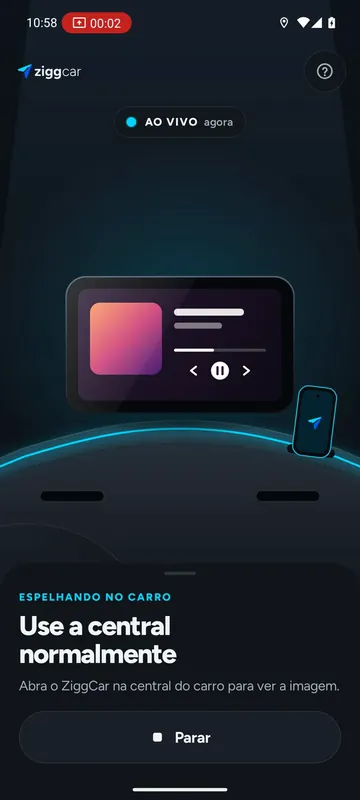
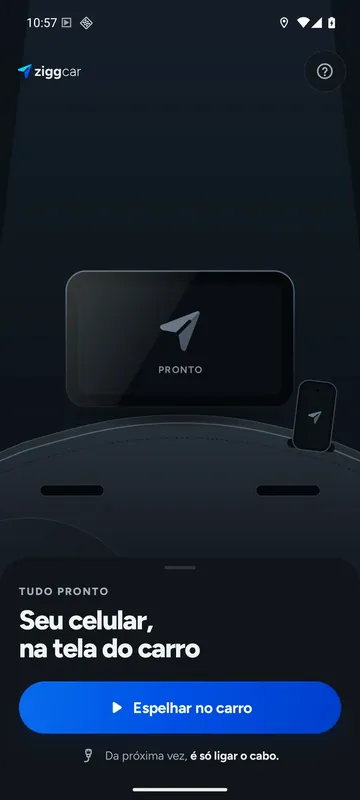
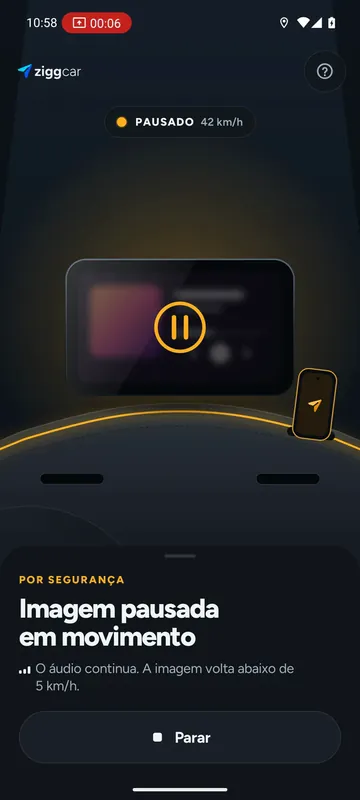
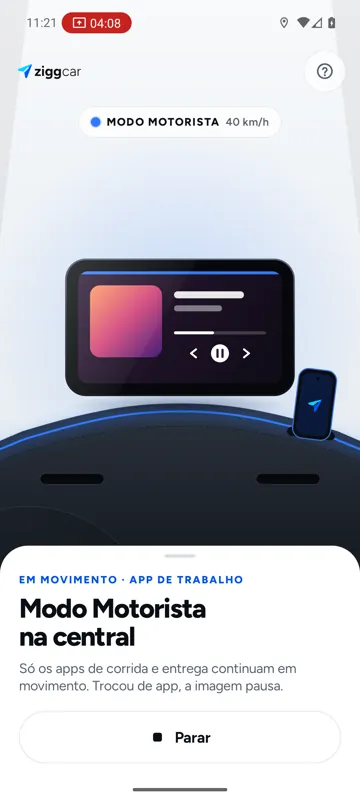
The light line tells you what's happening.
- Offready to mirror
- Neonlive on the car screen
- Amberpaused: car moving
- BlueDriver Mode on
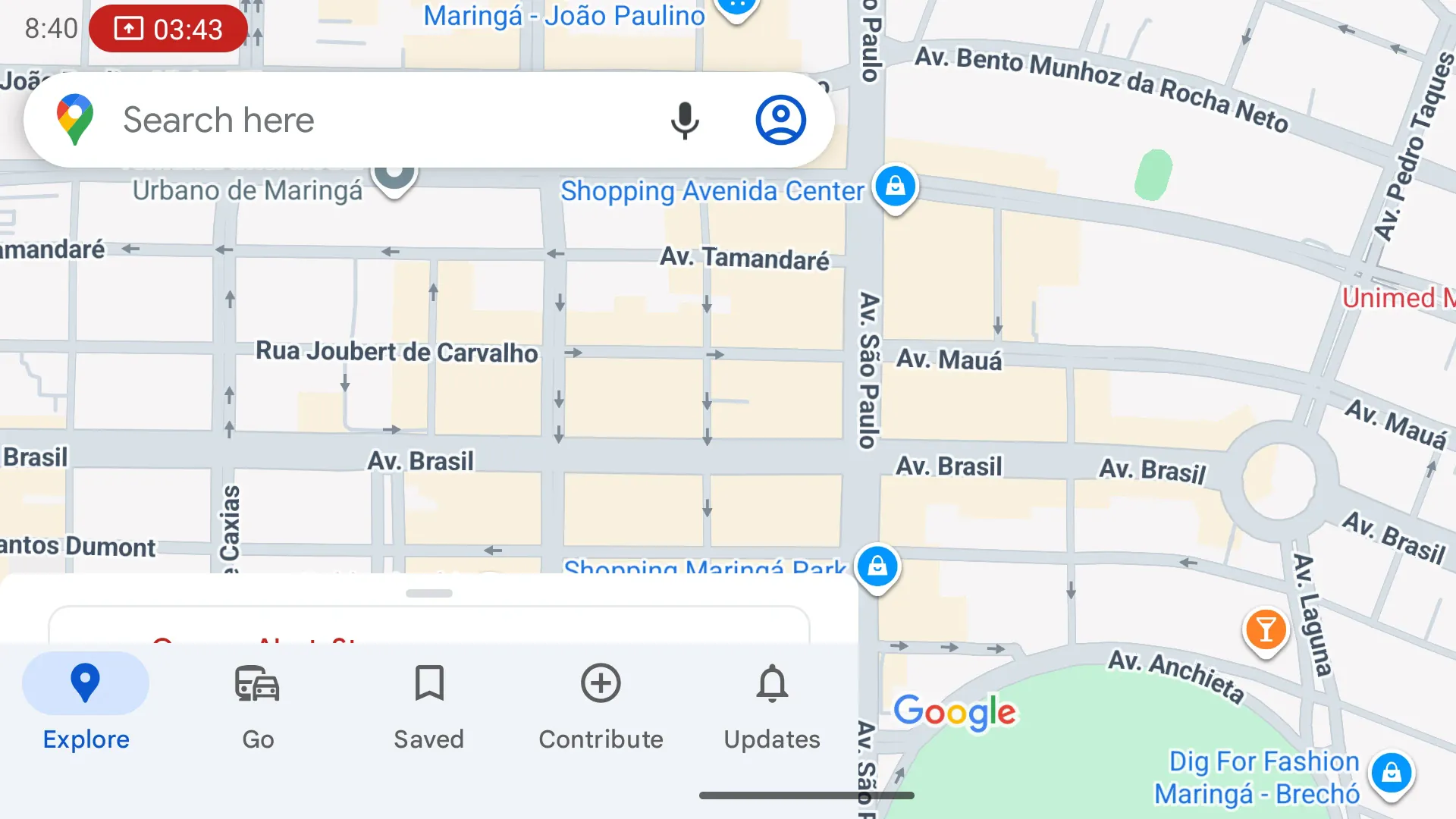
01Mirror
Tap the car screen. Your phone responds.
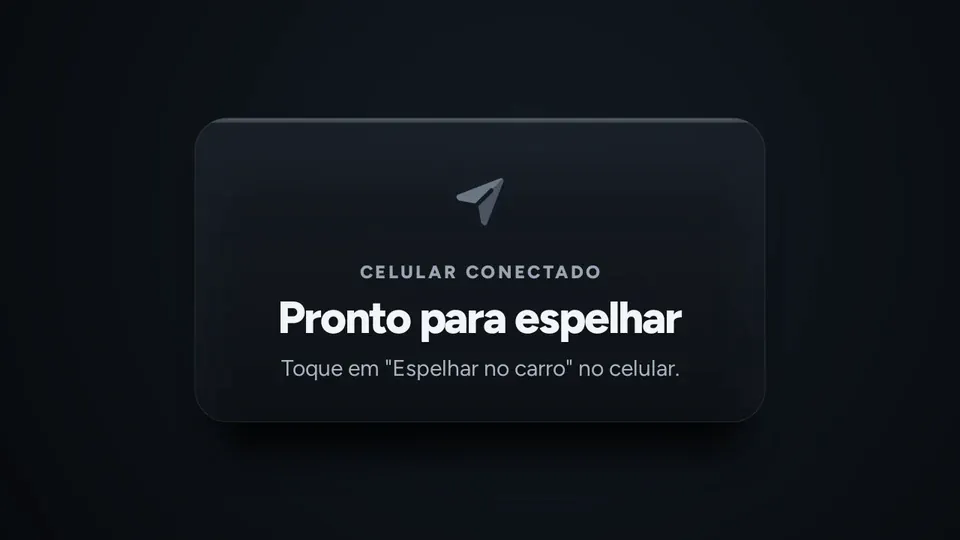
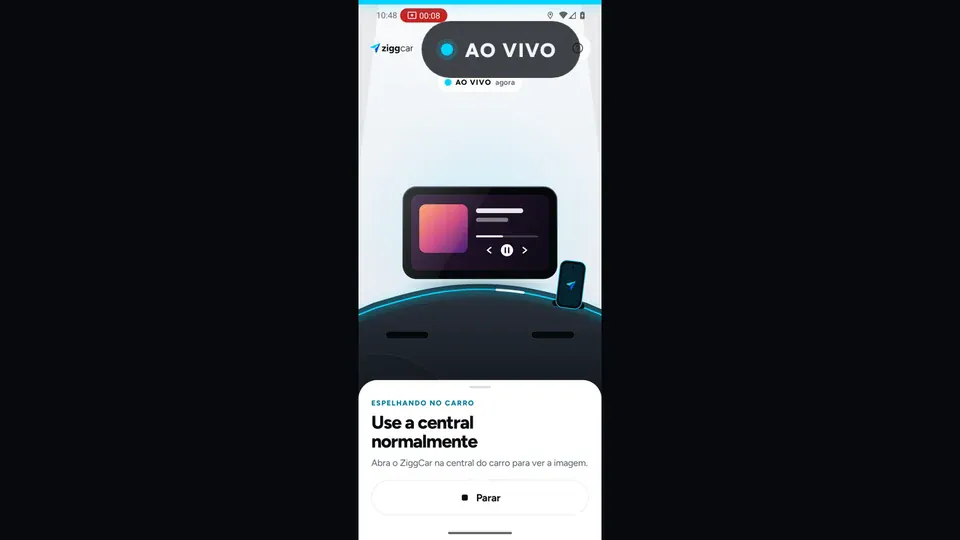
Whatever opens on your phone appears on the car display: upright, or turned sideways to fill the whole screen. Tap and swipe right on the display.
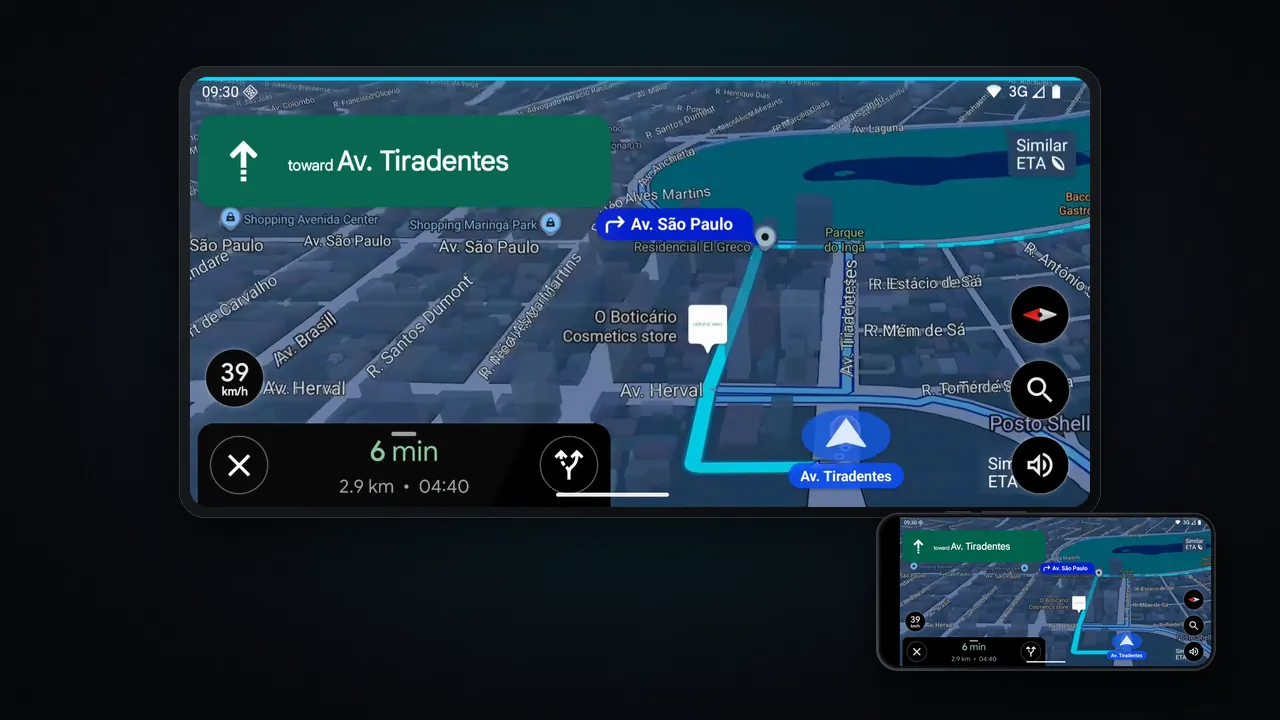
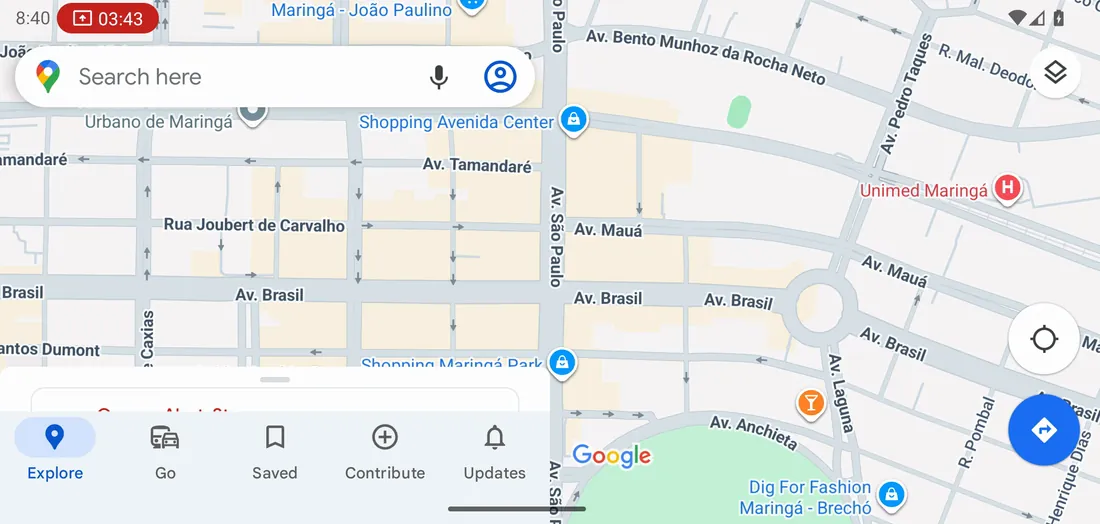
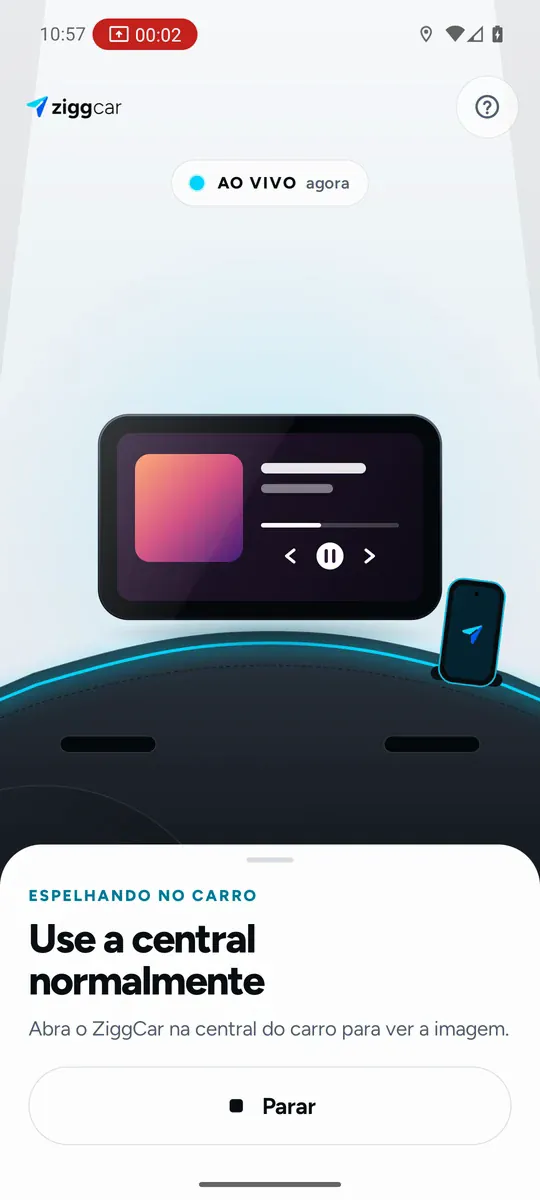
- Wireless from day oneor with a cable if you prefer
- Tap and swipeon the car screen
- Optional full screenthe phone turns sideways and fills the display
- Tested in a real Jeep Renegadeand on displays from 800×480 to 1920×1080
02Home
The car screen becomes yours.
When you mirror, ZiggCar opens its own home screen on the car display: the apps you use in big, finger-sized tiles, with voice, music and your day on the road.
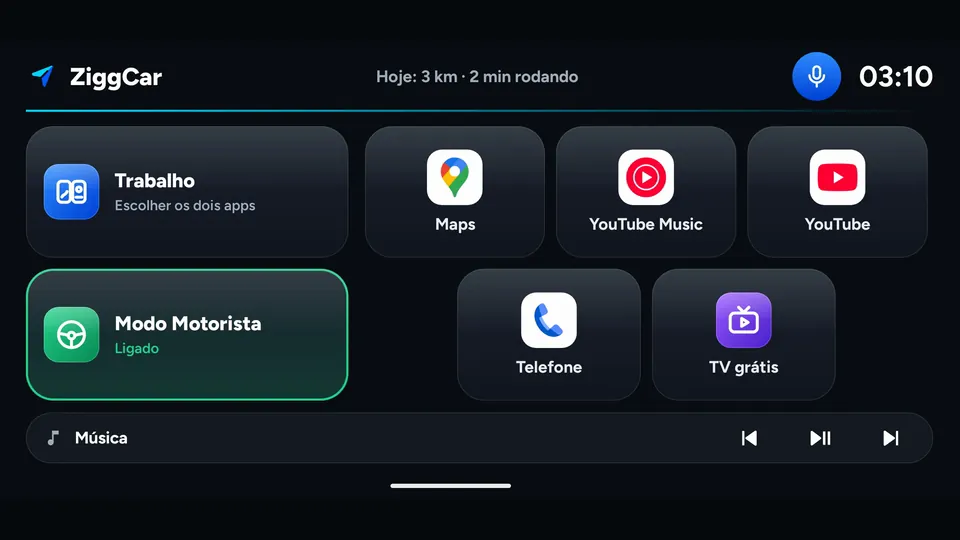
- Workthe ride app and the route side by side, in one tap
- Voice“open Waze”, “accept”, “next song”, without taking your hands off the wheel
- Musicin a slim bar, not half the screen
- Todaymiles and driving time, measured by ZiggCar itself
03Driver Mode
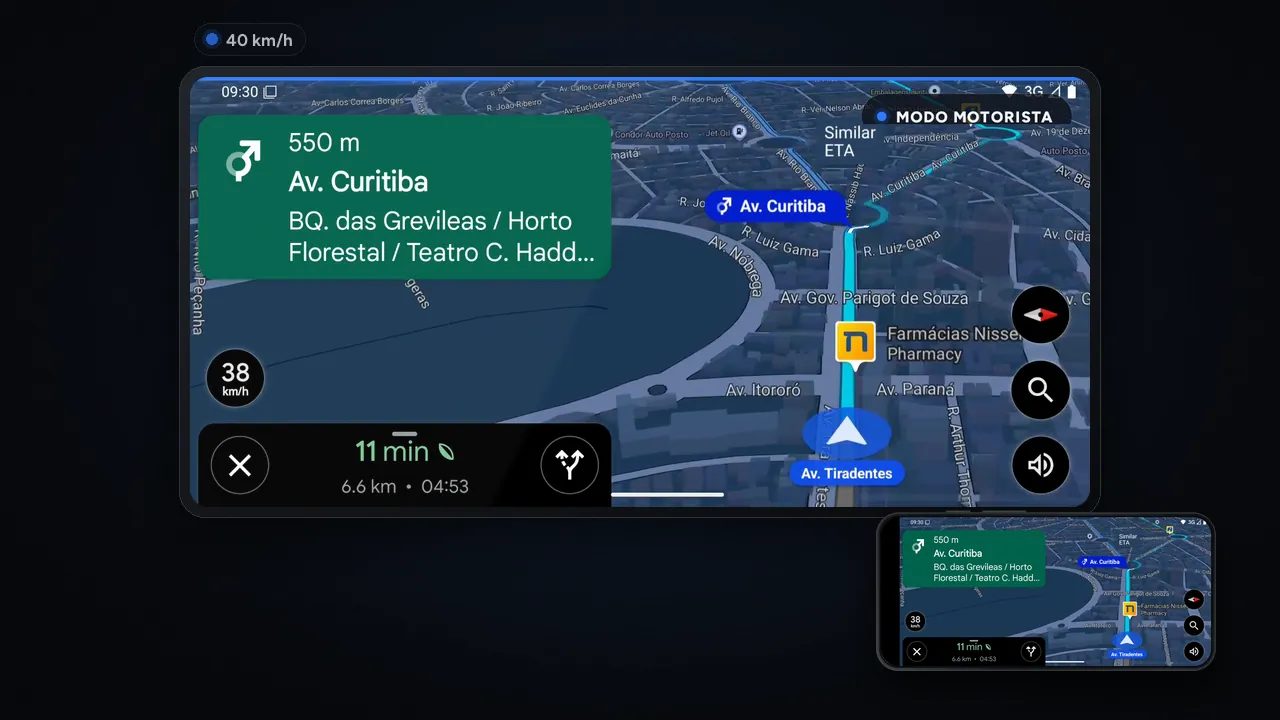
DRIVER MODE 40 km/h
Built for people who drive for a living.
Accept the ride and follow the route on the car screen, without reaching for the phone mount. While moving, only rideshare and delivery apps from a closed list stay on screen. Everything else pauses.
- Uber Driver
- inDrive
- Lalamove
- SoyRappi
- 99 Motorista
- iFood
- Loggi
- Switched apps while driving?The image pauses instantly
- Video nevershows while moving
- Off by defaultturn it on while parked and accept the terms once
- The line turns blue on the display, so you know the mode at a glance
You remain responsible for driving. Only touch the screen when it's safe.
04Free TV
Parked? There's TV.
One tap opens the official Pluto TV app on the car screen: free live channels and movies, fully legal. For the wait between rides, the drive-thru line or an EV charge. Start moving and it pauses.
- Shortcut to the officialPluto TV app: free, ad-supported, where available
- YouTubeand other unprotected apps work too
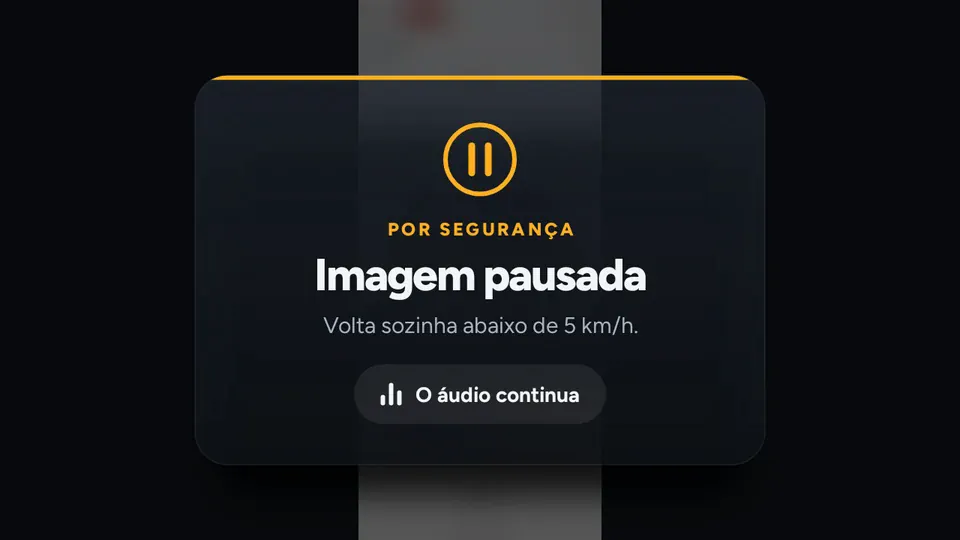
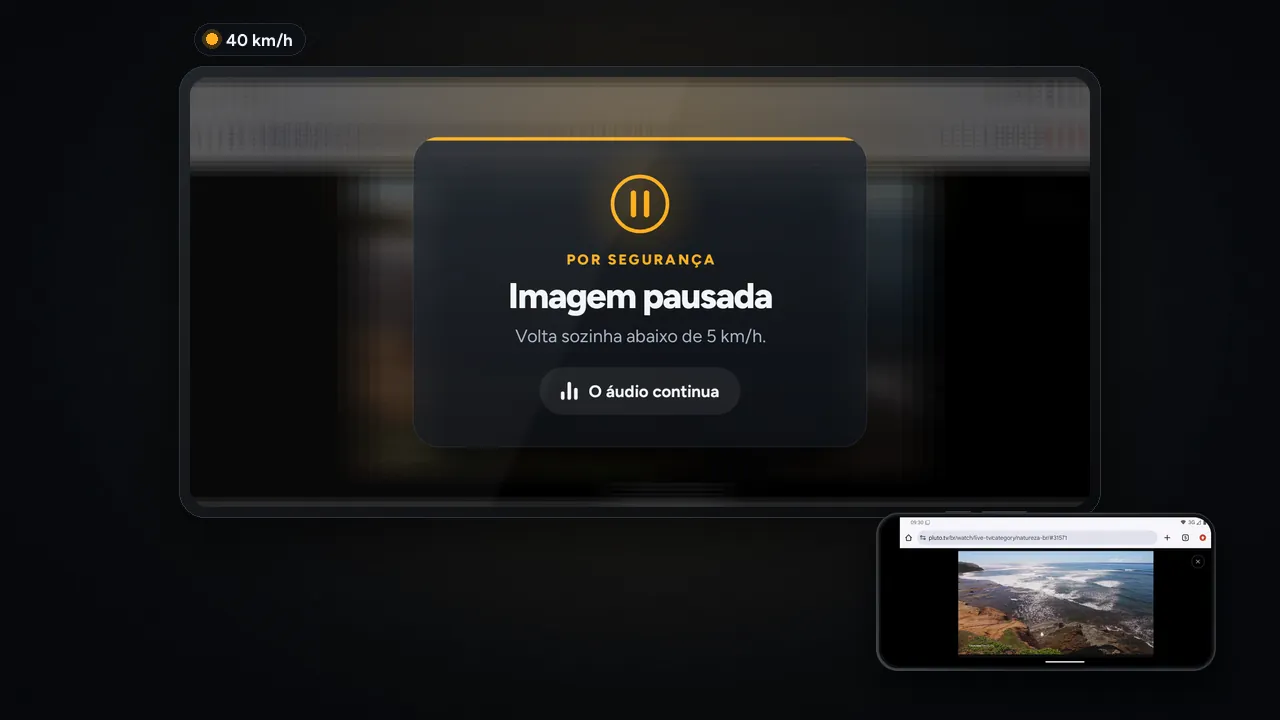
- Parked onlyabove 5 km/h (3 mph) the image goes away and the sound keeps playing
05Safety
Video only when parked. Always.
5km/h
Automatic lock
Above 5 km/h (3 mph) the image goes away and a notice takes its place. It comes back on its own 3 seconds after you stop. Audio keeps playing. It can't be turned off.
2taps to wake
Phone screen off
While mirroring, the phone screen goes black and the car display stays on. Less glare, fewer glances at the mount. Double-tap to wake it.
0servers
Nothing leaves the car
The image goes straight from the phone to the car display. Nothing is recorded or sent to the internet.
06Install
3 steps. Just once.
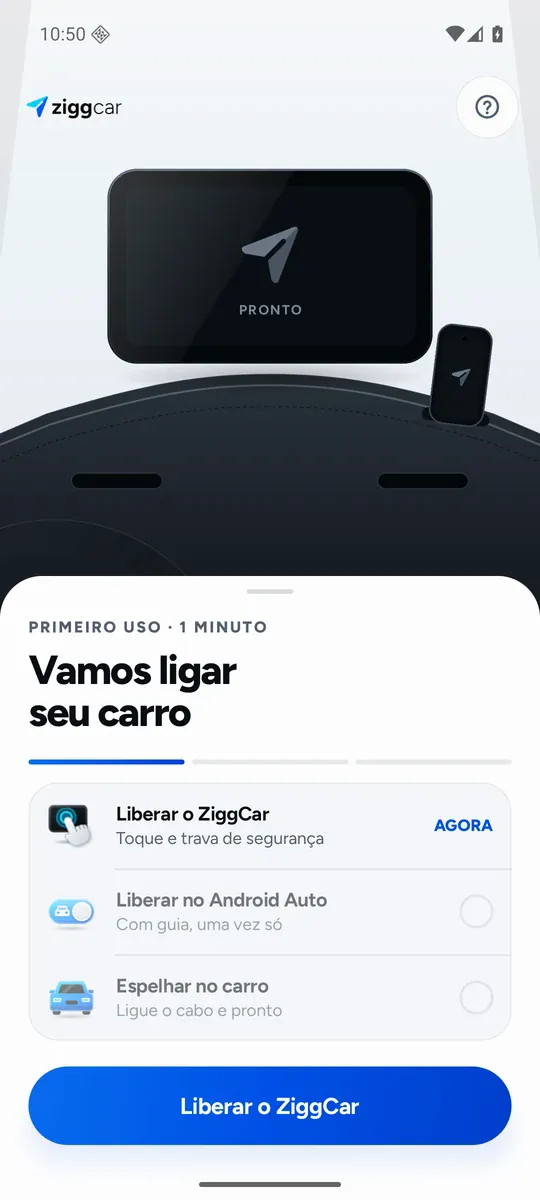
Download ZiggCar
Install the app from the link on this site. It explains each permission before asking.
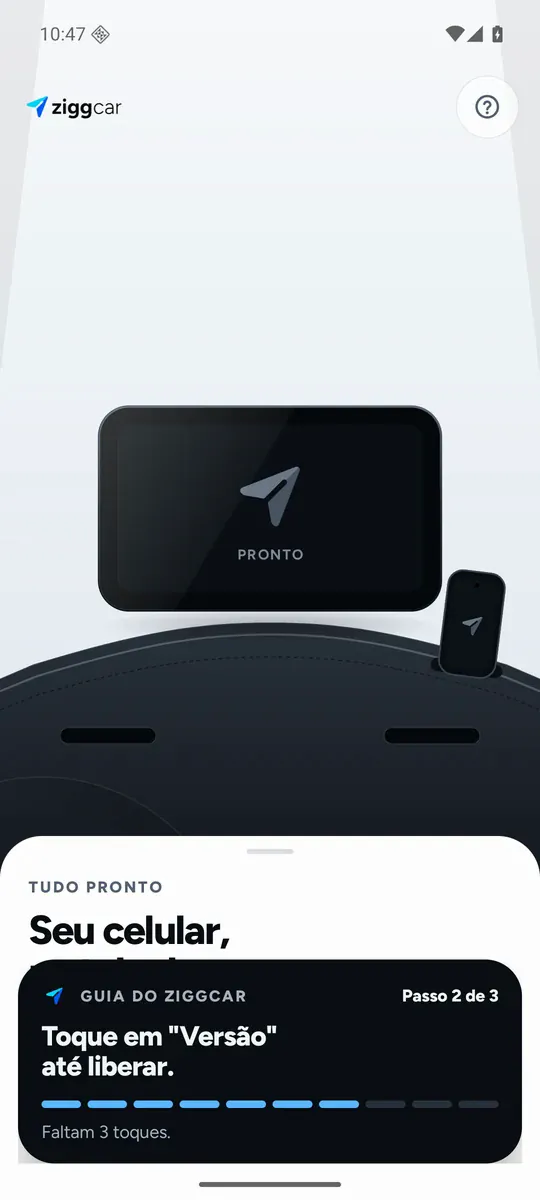
Allow it in Android Auto
Android Auto only shows Play Store apps until you turn on "Unknown sources". ZiggCar's guide shows where to tap: 10 taps on "Version" and one switch. Takes a minute.
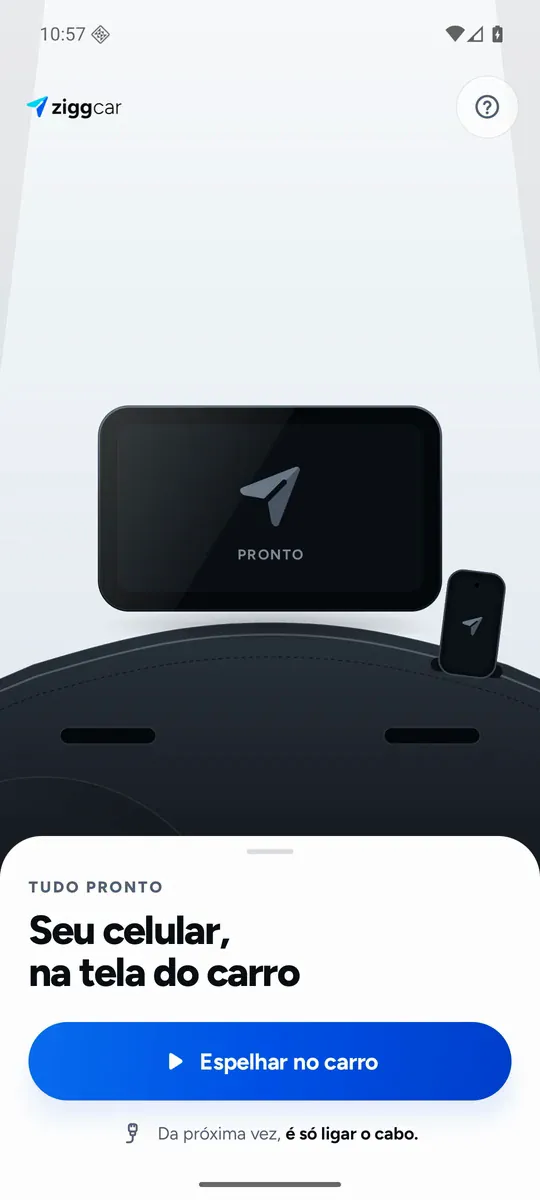
Get in the car and mirror
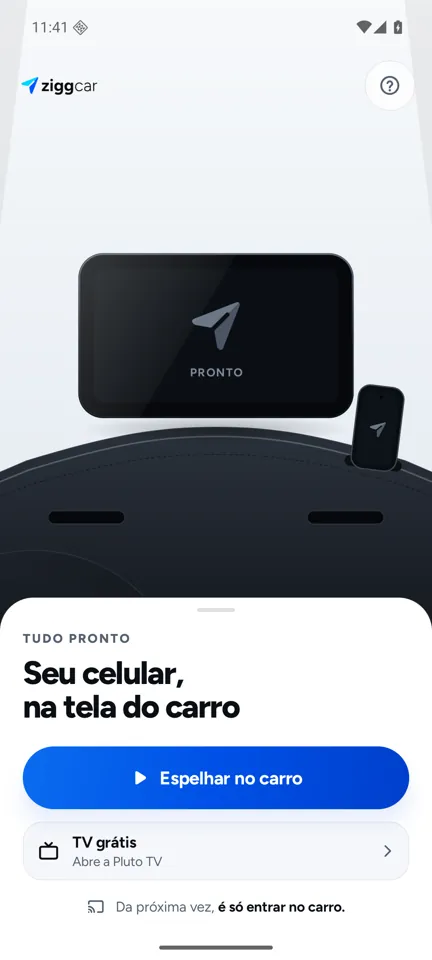
Open ZiggCar on the car display and tap "Mirror to car" on the phone. Next time, just get in the car.
07Pricing
Try it for 7 days. Love it, pay once.
No subscription, no card for the trial. The first wow happens in your own car, before you pay anything.
ZiggCar complete
US$9.99
one-time payment · no subscription
- 7 days free with everything unlocked, no card
- ZiggCar Home, voice, Driver Mode and Free TV included
- Works on 2 phones
- Updates included
- Refund within 7 days of purchase
Charged in your local currency, taxes included at checkout. In Brazil: R$ 29.90.
Launch
Be first in line.
ZiggCar is in final testing in real cars. Leave your email and get the download link the day it opens, with the 7 free days ready to go.
FAQ
Straight questions, honest answers.
Will it work in my car?
It works on displays with Android Auto, wired or wireless. Wireless requires both the display and the phone to support wireless Android Auto. Tested in a real Jeep Renegade and on the Android Auto head unit simulator at 800×480, 1280×720 and 1920×1080.
Does it work with iPhone or CarPlay?
No. ZiggCar is for Android 10 or newer only. Apple doesn't allow an app to mirror the iPhone screen to CarPlay.
Why do Netflix, HBO Max and Disney+ show black?
Those apps block any screen capture to protect their content (DRM). The interface shows, the video stays black. ZiggCar doesn't bypass that protection. YouTube, Pluto TV, maps, music and the browser work normally.
Can I watch video while driving?
No. Above 5 km/h (3 mph) the image pauses and the sound keeps playing. The lock can't be turned off. In Driver Mode only rideshare and delivery apps stay on screen, and never video.
Is it an official Google app?
No. ZiggCar is independent, with no ties to Google or any carmaker. It works with Android Auto, but it's distributed through this site, outside the Play Store. That's why the "Unknown sources" step exists.
Is installing outside the Play Store safe?
Download only from the official site. The app explains each permission: accessibility for touch from the car screen, screen capture to send the image to the car, and location to measure speed. The image never leaves your phone and car.
Does it drain the battery?
While mirroring, the phone screen stays off, which cuts brightness and heat. On long trips, keep the phone charging, as you would with navigation.
How do the trial and purchase work?
7 days with everything unlocked, no card. After that, US$9.99 once (R$ 29.90 in Brazil), for 2 phones, with updates. Not for you? Refund within 7 days of purchase.
When does it launch?
It's in final testing in real cars. Join the list and get the link on launch day.